
Training videos can support a construction project handover by recording how building systems are operated, maintained, inspected, and safely shut down before contractors and vendors leave the project. The videos give owners and facility teams a visual reference they can revisit after turnover.
They should supplement—not replace—O&M manuals, warranties, drawings, commissioning records, and other required handover documentation. For projects that need system walkthroughs or owner instruction recorded at the facility, see our training video production services.
Where Training Video Fits in Construction Project Handover
Construction handover transfers a completed facility and its operating information from the project team to the owner. Training video fits into that process when contractors, subcontractors, engineers, manufacturers, or system vendors are already demonstrating equipment and procedures for the owner or facility staff.
Recording those demonstrations creates a repeatable visual reference. Instead of relying only on notes taken during one training session, future staff can see the equipment, controls, sequence, and explanation that were presented during turnover.
Record the Same Instructions for Future Staff
A recorded training session preserves the same explanation that was given during handover. That can be useful when personnel change or when someone needs to revisit a procedure months after turnover.
Show Equipment, Controls, and Procedures Visually
Mechanical, electrical, plumbing, fire protection, controls, and other building systems can be difficult to explain with text alone. Video can show the physical equipment while the trainer identifies components, controls, operating steps, and safety considerations.
For example, this fire pump room training video demonstrates how a system walkthrough can document components, controls, and procedures for facility personnel.
Preserve Vendor and Contractor Demonstrations
Specialty vendors and subcontractors may only be available for a limited period near project completion. Recording their owner-training sessions captures the explanation while the people most familiar with the installed system are available.
Create a Long-Term Operations Reference
After handover, facility teams can return to the videos when reviewing normal operation, routine maintenance, troubleshooting steps, or shutdown procedures. The videos work best as an additional reference alongside the project’s written documentation.
Construction Handover Training Videos to Consider
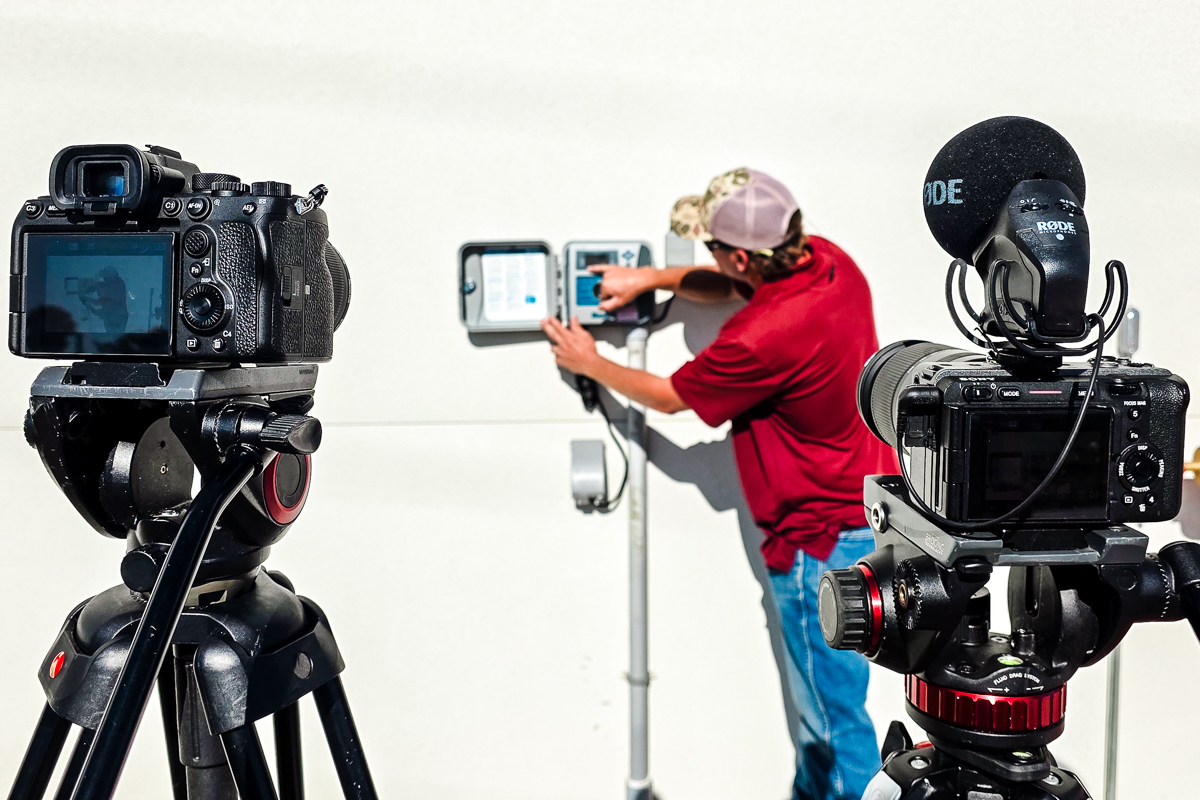
The useful video topics depend on the building systems and the owner-training requirements for the project. Common categories can include:
Owner and Facility Orientation
- overview of major building systems
- location and purpose of key equipment
- routine inspection responsibilities
- warranty or service information discussed during training
Operations and Maintenance Demonstrations
- normal startup and shutdown procedures
- routine maintenance tasks
- filter, component, or consumable replacement procedures
- basic troubleshooting steps demonstrated by the trainer
Controls and Building-System Training
- building automation or energy-monitoring dashboards
- HVAC controls and operating sequences
- lighting or security controls
- generator, pump, or other equipment controls
Safety and Emergency Procedures
- safe equipment operation
- required precautions demonstrated during owner training
- emergency shutdown procedures
- fire panel, alarm, or other emergency-system procedures when included in the training scope
Owner Training Video Project Examples
OUC St. Cloud Operations & Maintenance Center
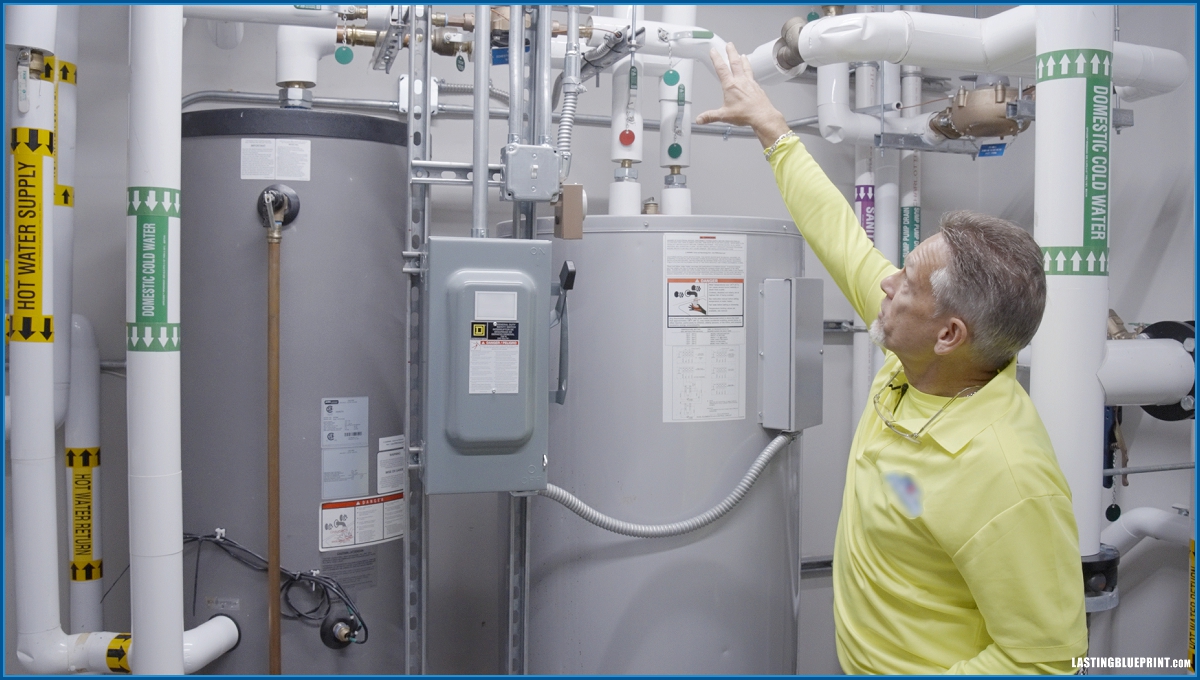
Lasting Blueprint Productions recorded a series of owner training videos for Ajax Building Company during construction of the OUC St. Cloud Operations & Maintenance Center.
The videos documented system walkthroughs and owner-training information presented for ongoing facility use. Rather than recreating the technical instruction ourselves, our role was to record the trainers, equipment, controls, and demonstrations clearly enough for the material to remain useful after the live training session ended.
Mount Dora Public Works Facility
Lasting Blueprint Productions also recorded seven contractor-led owner-training videos for Ajax Building Company at the Mount Dora Public Works Facility. The fire pump room video below is a sample from that project.

How to Plan Training Video for Construction Handover
Training video should be planned with the handover schedule rather than added after the demonstrations have already happened. The project team first identifies which systems and owner-training sessions need to be recorded, who will provide the instruction, and when the equipment will be available and ready to demonstrate.
1. Identify the Systems and Training Sessions
Create a list of the systems, equipment, procedures, and owner-training sessions that require video documentation. This helps determine how many filming days, rooms, trainers, and separate videos may be needed.
2. Coordinate With the People Giving the Training
Confirm the schedule with construction managers, engineers, subcontractors, manufacturers, or system vendors who will provide the instruction. They should know in advance that the session is being recorded and what topics need to be demonstrated.
3. Build Video Into the Handover Schedule
Coordinate filming while the required trainers are available and the systems are accessible. If several vendors are scheduled on the same day, allow enough time for camera and audio setup between locations.
4. Plan for Clear Audio and Usable Views
Mechanical rooms, active construction areas, and large facilities can be noisy. The filming plan should account for microphones, equipment noise, lighting, access, and camera positions so the trainer can be heard and the components being discussed can be seen.
5. Organize the Videos by System or Topic
Long owner-training sessions are easier to reference when the finished material is organized by system, equipment type, or procedure. Titles and on-screen labels can help users find the relevant section later.
6. Have the Project Team Review for Technical Accuracy
The people responsible for the technical information should review the edited videos for missing steps, incorrect labels, or other issues before final delivery. The video editor should not be expected to determine whether engineering or operating instructions are technically correct.
How to Include Training Videos in the Handover Process
- Plan them before turnover: identify the systems and trainers while the handover schedule is still being developed.
- Record while vendors are available: capture demonstrations before specialty contractors and manufacturer representatives leave the project.
- Organize the final files: use clear file names or categories so facility staff can find the correct system later.
- Provide owner access: deliver the videos with the other handover resources in a location the owner or facility team can access.
- Keep written documentation: video supplements manuals, warranties, drawings, commissioning records, and other required project documentation; it does not replace them.
The useful role of video in a construction project handover is straightforward: preserve demonstrations that are easier to understand when seen and heard, while the written project record remains the authoritative documentation for the facility.
Construction Handover Training Video Production in Orlando
Lasting Blueprint Productions records owner training, system demonstrations, and instructional content for construction and facility projects in Orlando and Central Florida. See our training video production services for projects that need filming and edited training deliverables.