
Conference video deliverables should be decided before filming because the final files determine what needs to be captured. A full presentation recording needs stable coverage and clean audio. A highlight video needs activity beyond the main room. Testimonials need a workable interview location and clear questions. Sponsor footage requires time around booths, signage, and attendee interaction.
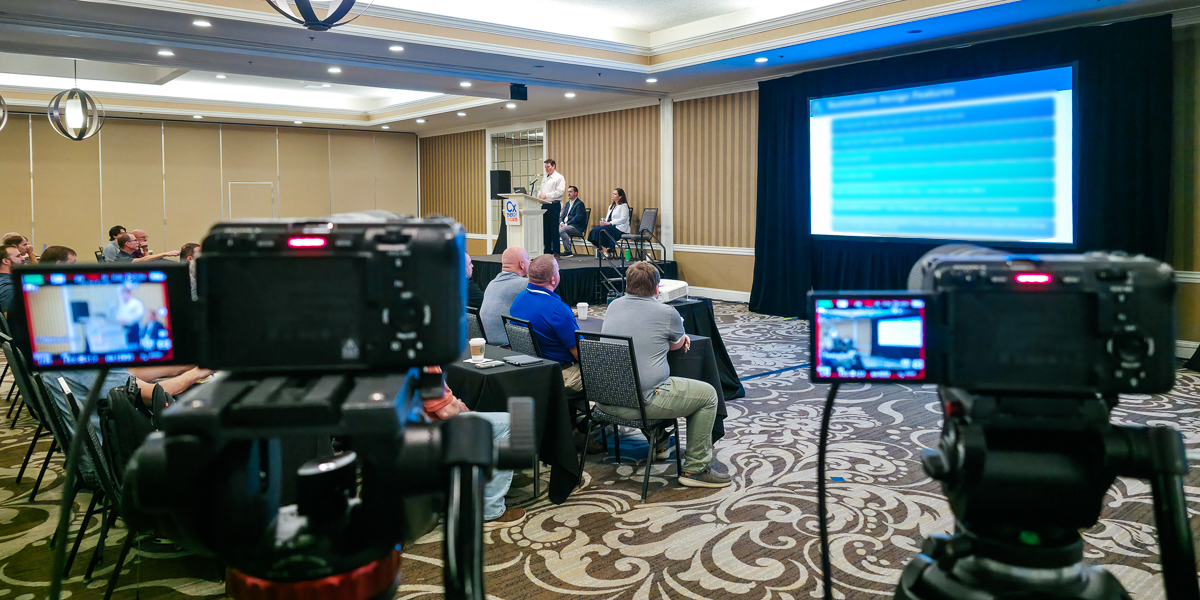
On multi-room projects such as CxEnergy, planning can include room recordings, soundboard audio, backup audio, slide reference footage, interviews, expo footage, and promotional edits. Those needs have to be mapped to the event schedule before filming begins.
What Conference Video Deliverables Should You Request?
The right deliverables depend on how the footage will be used after the event. Common conference video deliverables include:
- Full presentation recordings
- Edited recordings with presentation slides
- Conference highlight videos
- Testimonials and interviews
- Short social clips
- Sponsor or exhibitor recap videos
- Raw footage
A conference may need one of these or a mix. Decide the final use first, then match each deliverable to the filming, audio, staffing, and editing it requires.
Match Each Deliverable to Its Filming Requirements
Each deliverable creates a different production requirement. For a broader overview of the formats themselves, see Types of Conference Videos and How to Use Them.
Deliverable
What It Needs During Filming
Full presentation recording
Stable camera coverage, clean audio, reliable power
Edited video with slides
Slide files, screen reference, accurate timing
Highlight video
B-roll, audience activity, venue footage, interviews
Testimonial
Workable interview location, clear questions, usable sound
Sponsor recap
Booth footage, signage, sponsor activity, attendee interaction
Short social clip
Strong sound bite, clean framing, useful cutaways
Raw footage
Organized files, storage plan, clear delivery method
A single filming approach cannot cover every deliverable type equally well.
Full Presentation Recordings
Full presentation recordings are commonly used for education, member access, paid viewing, or internal reference. They need consistent coverage from start to finish, a clear camera position, and reliable audio.
Audio should come from the room or venue sound system when possible, with a backup source when the setup allows it. For a deeper look at the production side, see How Conference Sessions Are Filmed.
Before filming starts, confirm:
- Which rooms need recording
- Whether each room has AV support
- How audio will be accessed
- Whether a backup recorder can be placed nearby
- Whether each room has reliable power
- Whether the recording should include Q&A
Room overlap is one of the biggest planning issues. One videographer cannot fully record two rooms at the same time. If multiple rooms need complete simultaneous recordings, the staffing plan and quote need to account for that.
Edited Videos With Slides
Some conference recordings are delivered with presentation slides added in post-production. This requires more planning than a basic recording.
The presentation screen may be recorded as a timing reference so the editor can match slide changes to the speaker. That reference is not necessarily the final slide source.
If the finished video will use original slides, confirm who will provide the final presentation files and when they will be available. Late or revised slide decks can delay editing, especially when many presenters are involved.
Slide insertion also changes the editing scope. A basic recording may only need trimming and audio cleanup, while a finished video with synced slides, titles, and lower thirds requires additional post-production. If slide work matters, include it in the original scope.
Highlight Videos
A conference highlight video needs more than footage from the main room. It needs enough visual variety to show the event experience.
Useful footage may include:
- Registration and attendee arrivals
- Venue exteriors and branded signs
- Networking and audience reactions
- Exhibitor and sponsor activity
- Product demonstrations
- Interviews
- Detail shots and general event activity
For a conference highlight such as the SANS ICS Summit at Disney’s Contemporary Resort, the edit depends on more than stage coverage. It needs movement around the event, attendee interaction, location context, and interview clips that connect the footage.
That material usually requires time with a roaming camera. If one operator is committed to continuous session recording all day, the production plan needs to account for how highlight footage will also be captured.
Testimonials and Interviews
Testimonials and sit-down interviews should be planned before event day because attendees may be moving between sessions, meals, meetings, and other activities.
A useful testimonial should give the editor a complete, specific response rather than only a general statement that the attendee enjoyed the event. Questions can be built around a presentation, networking benefit, sponsor connection, practical takeaway, or another goal for the final video.
Before the event, decide:
- Who should be interviewed
- Where interviews will happen
- Who will guide the questions
- How much time each person has
- Whether the space will be usable for clean audio
- Whether the setup should be quick or more formal
- Whether release forms are required
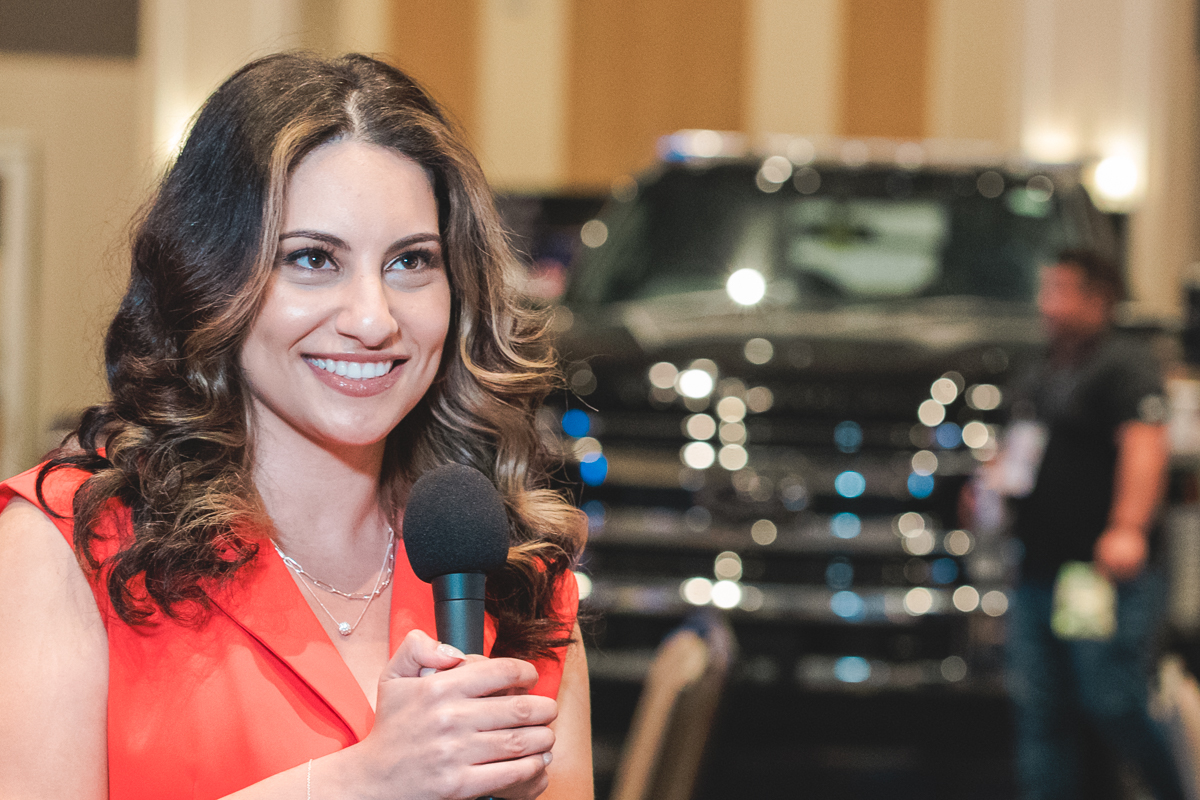
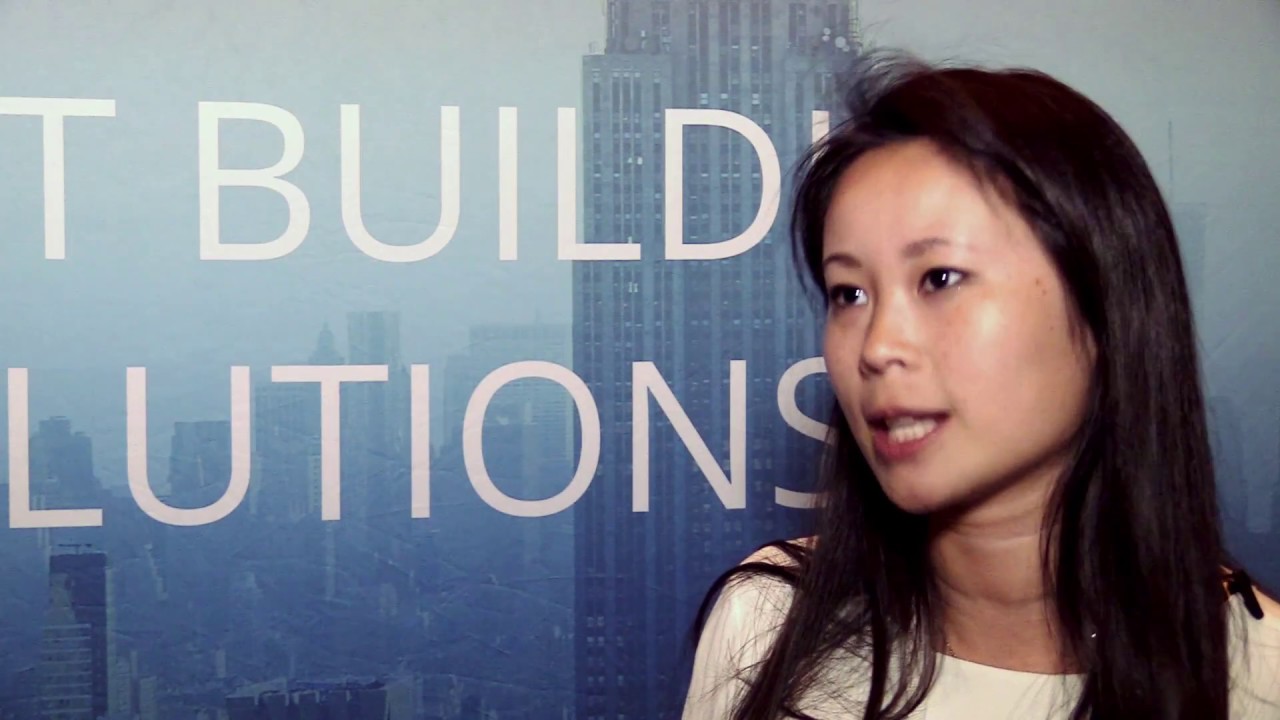
Short interviews can sometimes work in event common areas when the sound is controlled. A more formal sit-down interview may require a reserved space, lighting, seating, and additional setup time. See How Interviews Are Filmed at Events for examples of how those conditions change the setup.
Interview footage can support highlight videos, future registration pages, sponsor recaps, and short clips. It works best when the questions are tied to those intended uses.
Short Social Clips
Short clips are easier to create when they are planned during filming. A usable clip may come from a presentation excerpt, interview answer, sponsor comment, panel exchange, or product demonstration, but it needs clean audio and a thought that can stand on its own.
Format also matters. Horizontal clips work well for websites and YouTube, while vertical versions are often used for Reels, Shorts, and other mobile-first placements. If vertical delivery is part of the plan, mention it before filming so framing leaves enough room for the crop.
Same-day or next-day clips also require an approval workflow. Someone still has to select footage, edit, caption, export, send, review, and approve the file while the event is active.
Sponsor and Exhibitor Coverage
Sponsor and exhibitor footage should be planned directly rather than left to whatever happens to appear in general B-roll.
At trade shows and expo-style events, useful moments may happen at specific times. Booth traffic may be strongest during breaks, product demonstrations may only happen a few times, and sponsored signage or activations can be missed without a priority list.
For exhibitor-focused work at DISTRIBUTECH at the Orange County Convention Center, coverage can involve booth activity, speaking opportunities, product visuals, and attendee conversations happening in different parts of the event.
Useful sponsor and exhibitor footage may include:
- Booth activity
- Branded signs and sponsor placements
- Product demonstrations
- Sponsored lounges or activations
- Stage recognition
- Attendee conversations
- Expo floor activity
If sponsor coverage matters, provide the names, booth numbers, schedule notes, and must-capture locations before filming starts.
Raw Footage
Raw footage can be useful, but it should be defined in the scope rather than assumed to be part of the final delivery.
Raw footage is not the same as edited video. It can include long takes, test clips, alternate angles, room tone, or footage that still needs color and audio work.
Conference projects can also create large amounts of data, so delivery method and file organization matter. Before the event, confirm:
- Whether raw footage is included
- Whether edited files are also included
- How files will be organized
- Whether delivery is by upload or hard drive
- Who provides the drive when physical delivery is used
- Whether shipping is needed
- How long the files will remain available
Raw-footage preparation and delivery add file-handling time, so they should be part of the production plan and quote.
Example Conference Video Plans
The right deliverables depend on the event. These examples show how the final-use decision changes what needs to be covered.
One-Room Documentation Plan
This plan fits when the main goal is to record presentations for later viewing.
Deliverables may include:
- Full recording of each presentation
- Basic title card
- Light audio cleanup
- Simple file naming
- Private delivery link
The scope stays focused on documenting what happened in the room. It may not create enough visual variety for a polished highlight video, which requires separate B-roll, attendee activity, and often interview coverage.
Marketing-Focused Conference Plan
This plan fits when the organization wants post-event promotional material.
Deliverables may include:
- One highlight video
- Short social clips
- Attendee testimonials
- Venue and atmosphere footage
- Select presentation excerpts
- B-roll for future use
A project such as the SANS ICS Summit at Disney’s Contemporary Resort requires more than presentation footage for this kind of plan. The edit also depends on location context, attendee interaction, interviews, and activity around the event.
This coverage needs scheduled time away from the main room, and interviews are easier to manage when participants and locations are identified in advance.
Multi-Room Conference Plan
This plan fits when several rooms need coverage at the same time.
Deliverables may include:
- Edited recordings by room
- Slide insertion when requested
- Clean audio from each room
- Room-specific file folders
- Highlight footage between recordings
- Optional interviews during open schedule blocks
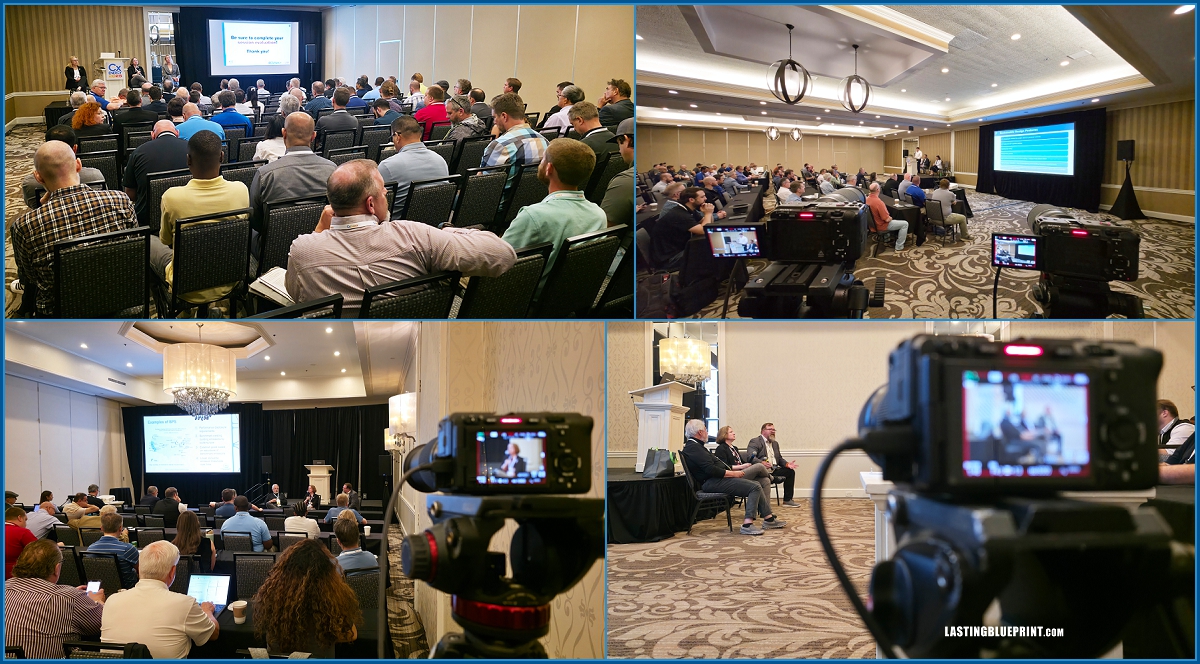
CxEnergy 2019 is a useful example of why this needs advance planning. Multi-room coverage can involve separate camera setups, AV coordination, room-specific audio, presentation references, and file organization for each room.
When rooms run simultaneously, the project generally requires enough operators and equipment to maintain coverage in each active room.
Sponsor and Exhibitor-Focused Plan
This plan fits when sponsors, exhibitors, or booth activity need dedicated post-event material.
Deliverables may include:
- Sponsor recap clips
- Booth footage
- Branded signage coverage
- Attendee interaction footage
- Short clips for sponsor follow-up
- B-roll for sponsorship reports
DISTRIBUTECH at the Orange County Convention Center is the type of event where this planning matters because booth activity, expo-floor movement, product visuals, and speaking opportunities may happen in different locations.
This works best when sponsor priorities, booth numbers, schedule notes, and must-capture items are supplied before the event.
What Changes the Scope and Quote
Once the deliverables are defined, the quote should be based on the event logistics and production requirements.
Start with the event logistics:
- Event date and venue
- Coverage start and end times
- Number of event days
- Event-day contact
- AV contact, if available
Then define the production variables:
- Number of rooms and schedule overlap
- Number of presentations to record
- Interview schedule
- Sponsor priorities
- Slide and captioning requirements
- Horizontal or vertical versions
- Desired delivery timeline
- Raw-footage and file-delivery requirements
These details affect filming time, crew size, editing time, storage, and delivery. They also reduce the chance of missed coverage or unclear expectations after the conference.
Turn the Quote Into a Production Plan
After booking, the deliverables should become a working production plan tied to the event schedule.
Confirm:
- Which sessions and activities need coverage
- Which activities need B-roll
- Which interviews are scheduled and where they will happen
- Which sponsors or exhibitors have priority coverage
- Who will provide final slide files
- Who approves edits
- How final files should be named and delivered
This is the point where the quoted scope becomes an actionable filming plan for event coverage and client coordination.
Planning Conference Video Production in Orlando
If your organization is planning an Orlando conference, see our Orlando Conference Video Production service for presentation recordings, interviews, highlight videos, and multi-room conference coverage.